





.svg)
.svg)
.svg)
.svg)

.svg)
.svg)
.svg)

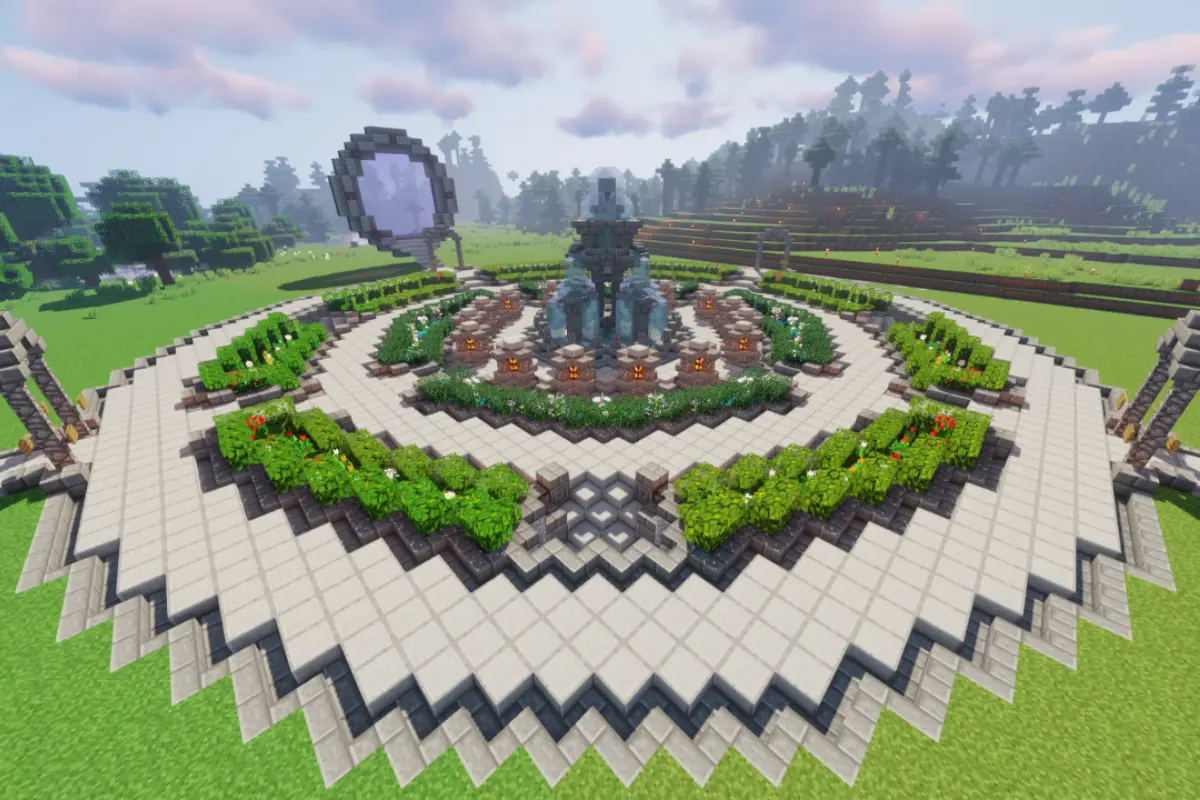
You’re building the base of your dreams, everything’s going great, and then block delay, stuttering mobs, rubberbanding movement, or worse, you get kicked entirely. Classic Minecraft lag.
But what’s actually causing it? And more importantly, how do you fix it?
Let’s break down the most common sources of Minecraft lag, how to tell them apart, and what you can do to get your game running smooth again.
First, what kind of lag is it?
There are two main types of lag in Minecraft.
1. Client-side lag
This is when your computer is struggling. Think frame drops, slow chunk loading, or delayed inputs.
Common causes:
- Low-end graphics card
- Too many background programs
- Render distance set too high
- Mods or shaders eating your RAM
2. Server-side lag
This is when the world itself lags for everyone. Block delays, frozen mobs, rubberbanding, or time slowing down.
Common causes:
- Too many players or entities
- Weak server hardware or poor hosting
- Redstone or mob farms overloading the tick rate
- Unoptimized plugins or mods
Knowing which type you’re dealing with makes fixing it much easier.
What causes Minecraft lag on a server?
Here’s what usually goes wrong on the server side.
Too many entities
Thousands of mobs, animals, dropped items, or minecarts in one area can overwhelm a server. Minecraft processes each one individually.
Fix:
- Use mob caps or cleanup plugins
- Limit auto-farms or mob grinders
- Lower view distance slightly
Heavy redstone contraptions
Pistons, clocks, observers, and constantly running hoppers can destroy performance if they’re always active.
Fix:
- Use hopper timers instead of fast clocks
- Avoid unnecessary moving parts
- Keep lag-heavy machines in separate chunks
Low-quality hosting or home servers
Running a server from a laptop or using underpowered hosting often can’t keep up once players and builds grow.
Fix:
- Use dedicated Minecraft hosting with guaranteed CPU and RAM
- Choose hosts with SSD or NVMe storage and good networking
(This is exactly where LumaDock comes in.)
Too many players for the specs
Each player loads chunks, entities, inventories, and redstone. That adds up fast.
Fix:
- Upgrade your server plan as your player count grows
- Set soft limits or queues during peak times
Outdated or conflicting plugins
Bad plugins can cause memory leaks, CPU spikes, or TPS drops.
Fix:
- Stick to trusted sources like Spigot and Paper
- Keep plugins updated
- Use performance tools like /timings
How to reduce lag on your own setup
If you’re running your own world or server, these changes help a lot:
- Lower render distance (10 to 12 is usually enough)
- Use Paper or Purpur instead of Vanilla
- Pre-generate your world to avoid live chunk generation
- Schedule automatic restarts to clear memory
- Avoid massive farms in always-loaded chunks
How LumaDock helps with lag
No overselling. Performance is literally the point.
- Dedicated resources per server
- NVMe SSD storage for fast chunk loading
- Full control over plugins, mods, and memory
- Optional performance tuning help
- No overcrowded shared hosting
You build. We keep it smooth.
Wrap-up
Lag is common in Minecraft, but it doesn’t have to ruin the experience. Whether it’s client settings, an overbuilt farm, or weak hosting, most lag issues are fixable with a few smart changes.
And if you’re done troubleshooting and just want things to work, LumaDock gives you the performance headroom Minecraft actually needs.

