





.svg)
.svg)
.svg)
.svg)

.svg)
.svg)
.svg)

Updated and tested 2 November 2026
Cloudflare Tunnel is the most recommended and least examined way to put Jellyfin on the internet. No port forwarding, no public IP needed, free HTTPS on your own domain: the pitch is real and the setup below takes twenty minutes. What the recommendations skip is that streaming video through Cloudflare's free proxy sits in a genuine terms-of-service grey zone, and I'd rather you make that call informed than discover it via a suspended account. Setup first, judgment after.
How Cloudflare Tunnel works
A small daemon (cloudflared) runs next to Jellyfin and opens an outbound connection to Cloudflare's edge. Visitors hit jellyfin.yourdomain.com, Cloudflare relays the traffic down that connection and no inbound port ever opens on your network. That outbound-only trick is why it defeats CGNAT connections where port forwarding is impossible, and why it needs nothing from your router.
Cloudflare Tunnel setup for Jellyfin
Prerequisites: a domain using Cloudflare's nameservers (free plan is fine) and a running Jellyfin on, say, port 8096.
Install cloudflared and authenticate
On the Jellyfin machine (Ubuntu/Debian):
curl -fsSL https://pkg.cloudflare.com/cloudflare-main.gpg | sudo tee /usr/share/keyrings/cloudflare-main.gpg >/dev/null
echo "deb [signed-by=/usr/share/keyrings/cloudflare-main.gpg] https://pkg.cloudflare.com/cloudflared any main" | sudo tee /etc/apt/sources.list.d/cloudflared.list
sudo apt update && sudo apt install cloudflared
Check the result with cloudflared --version before you go on.
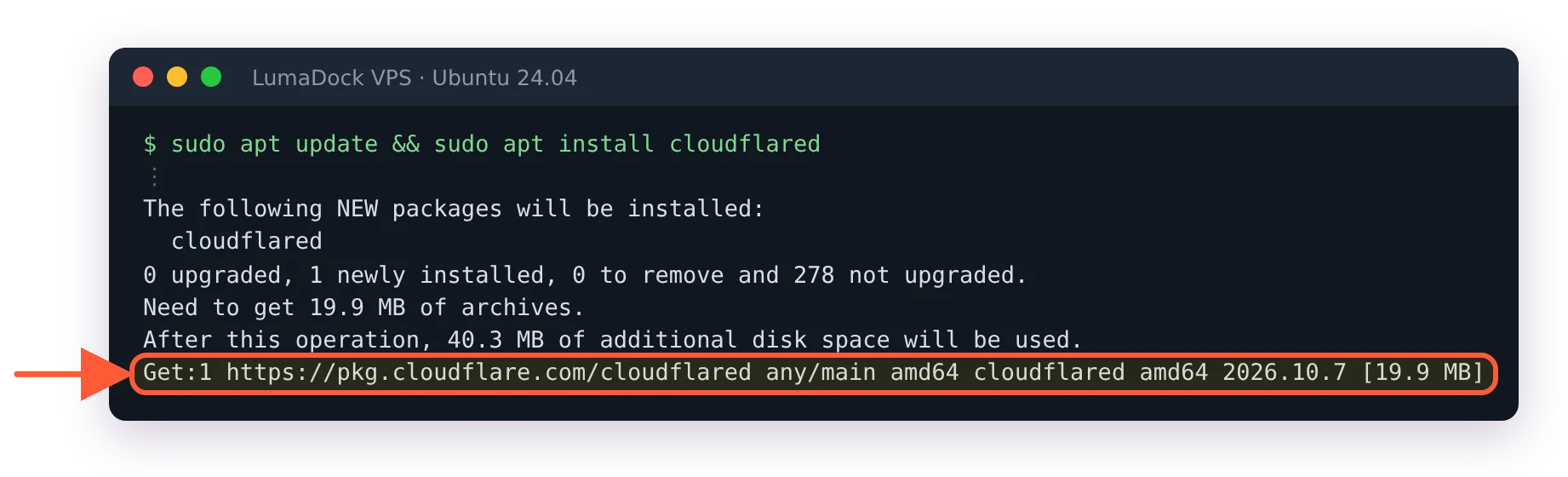
apt pulled cloudflared straight from Cloudflare's repository, with no other packages.
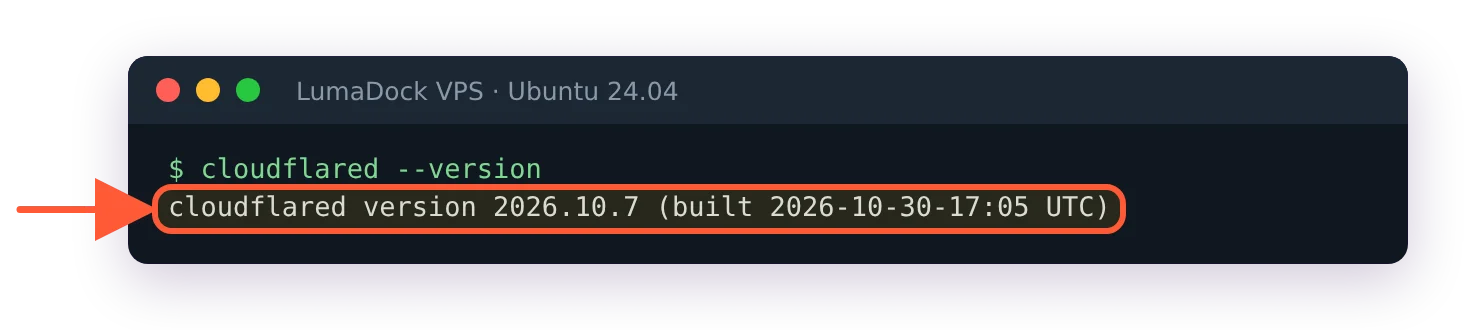
cloudflared --version after the install.
The modern management flow lives in Cloudflare's Zero Trust dashboard: Networks » Tunnels » Create a tunnel, name it, and the dashboard hands you a one-line install command with the tunnel token baked in. Run it, and the connector appears green in the dashboard. (The older CLI-only flow with cloudflared tunnel create still works; the dashboard flow is easier to manage later, so it's what I'd use for a first tunnel. Cloudflare's own tunnel docs keep both current.)
Route the hostname to Jellyfin
In the tunnel's Public Hostname tab, add one: subdomain jellyfin, your domain, service http://localhost:8096. Cloudflare creates the DNS record automatically. That's the whole thing; https://jellyfin.yourdomain.com now serves your login page with a valid certificate from anywhere.
Known proxies and cache bypass settings
In Jellyfin's Dashboard » Networking, add the local cloudflared connection to Known proxies so real client IPs land in your logs. And in Cloudflare's dashboard, disable caching for the hostname (a page rule or cache rule set to bypass): media segments cached on Cloudflare's edge is precisely what you don't want, both for correctness and for the section below.
Cloudflare terms of service and media streaming
Cloudflare's terms have long restricted serving video and large non-web files through the CDN proxy on ordinary plans, steering that use toward paid products built for it (Stream, R2). The 2023 terms rewrite softened the flat prohibition into product-specific language, and since then the community record is genuinely contradictory: Cloudflare staff have told individual users that personal, non-cached tunnel streaming is acceptable, while their own forum regulars point at terms language saying video streaming outside Stream/R2 remains off-limits. Both camps quote Cloudflare. That contradiction is the honest state of things in 2026 and anyone telling you it's simply fine, or simply banned, is summarizing away the mess.
Practical read on the risk: enforcement historically lands on egregious volumes (public piracy portals, not families), a personal server for a household of viewers is a rounding error in their traffic and accounts do occasionally get warned or restricted anyway. My own position: I'll hang admin dashboards and light apps off Cloudflare Tunnel all day, and I keep hundreds-of-gigabytes-per-month video streaming off a free proxy whose terms I can't confidently parse. A Jellyfin server deserves a front door with unambiguous rules.