





.svg)
.svg)
.svg)
.svg)

.svg)
.svg)
.svg)

Picking a GPU is really one question wearing a few disguises. How big is the model, how fast does it need to answer and how much are you willing to spend to make that happen. Everything else follows from there.
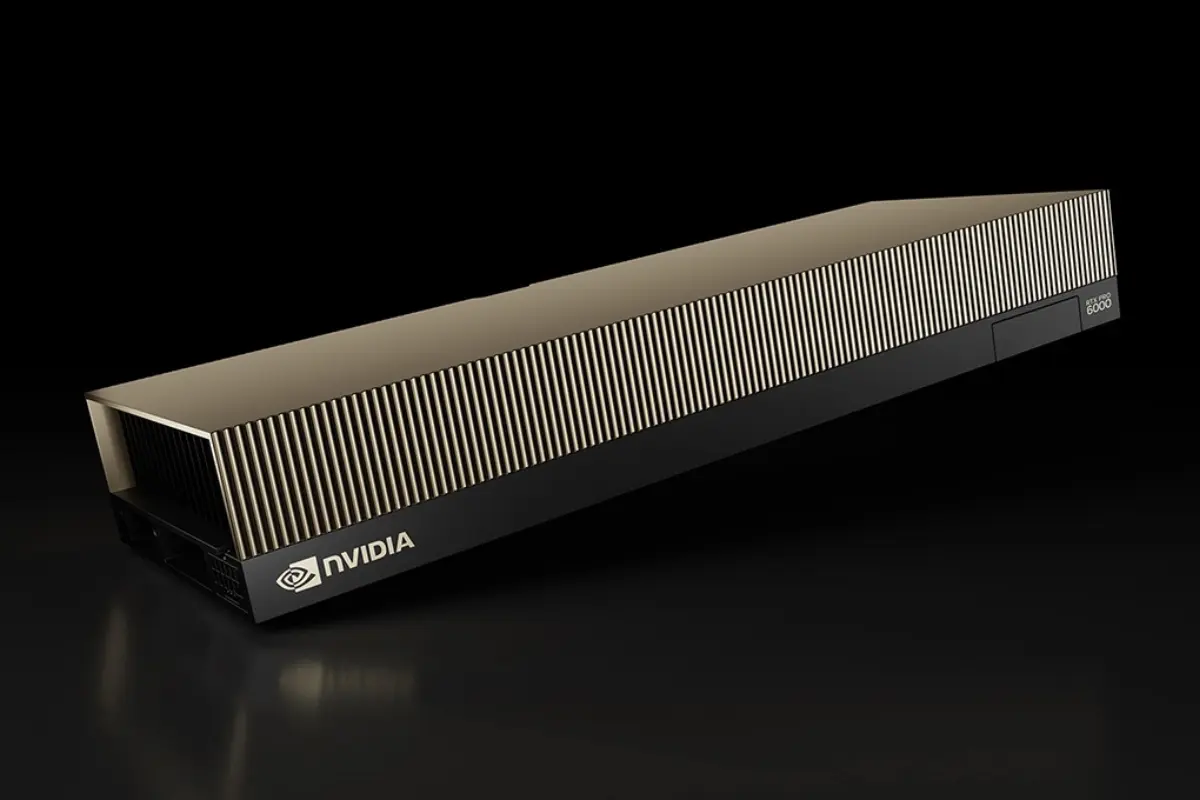
Our GPU VPS range runs from a 16 GB card up to 96 GB on a single slot, all NVIDIA, all passed straight through to your server. This is a walk through what each tier is good at, written the way I'd explain it to someone who mailed support asking which one to rent.
What you can run on a GPU server
Most people arrive with one of a handful of jobs in mind, so let's start there rather than with the hardware:
Serving a language model. You want to run Llama, Qwen, Mistral or DeepSeek yourself, through vLLM or Ollama, instead of paying an API per token. This is the most common reason people rent a GPU now, and past a few million tokens a month it's the cheaper one too. The card you need depends entirely on the size of the model, which I'll get to.
Fine-tuning on your own data. A base model gets you most of the way, and a LoRA or a full fine-tune closes the gap. Training wants more memory than inference does, because the optimizer state and gradients have to fit alongside the weights, so people fine-tuning tend to size up a tier from where inference alone would put them.
Image and video generation. Stable Diffusion, ComfyUI, Flux. This work loves vRAM, since headroom is what lets you hold several checkpoints and a stack of LoRAs at once and work at high resolution without swapping models in and out.
Rendering and encoding. Blender Cycles on the RT cores, FFmpeg transcoding on the hardware NVENC engine. Ordinary graphics work that a datacenter card does quietly and continuously.
Matching the card to the model
Here's the part you actually want. Assuming four-bit quantization, which is standard now and costs very little accuracy:
- 7B to 14B models on 16 GB. Chat assistants, retrieval-augmented generation, coding autocomplete. A quantized 14B model serves at interactive speed here, comfortably ahead of reading pace.
- 30B-class models on 24 to 32 GB. The mid-size Qwen and Llama variants, where you want stronger reasoning than a 14B gives but don't need to reach for the largest models.
- 70B models on 48 GB and up. These fit in four-bit on 48 GB and run properly on 96 GB, where you can raise precision, hold a long context and still have room for concurrent sessions.
A quick way to estimate: halve the parameter count for a four-bit quant, then add a few gigabytes for context and overhead. A 32B model lands near 20 GB, which is why a 24 GB card suits it with a little breathing room.
If you'd rather not do the math, that's what our support is for.
Why the newer cards are quicker at inference
Two features do most of the work, and both matter more for serving models than for rendering.
The first is FP4. The current tensor cores handle four-bit floating point in hardware, so a quantized model occupies less memory and moves through the card faster than it would at eight-bit. Quantization has gone from a compromise you tolerated to fit a model on affordable hardware, to something close to the sensible default.
The second is memory bandwidth, and it's the specification I'd tell you to watch. Inference speed tracks bandwidth more closely than raw compute, because a card serving a model spends most of its time reading weights out of memory rather than doing arithmetic on them. GDDR7 moved this number a long way. A mid-range card in the current range reads memory well over twice as fast as the entry card, and on a memory-bound job that difference shows up directly in tokens per second.
So the range climbs on two axes at once. More vRAM to fit a larger model, more bandwidth to serve it quickly. That's the whole logic of it.
The efficient end of the range
Not every job needs the newest silicon, and it's worth saying so plainly.
For steady, well-defined work, a Tesla T4 does the job on 70 watts: scheduled transcoding, embedding generation, a classification model running all day against a fixed budget. A task that never touches four-bit precision gains nothing from paying for a card that supports it.
The rule I'd give is simple. If your work is predictable and your model is small, the efficient card does it for less. If you're serving anything conversational, start higher up.
Dedicated, not shared
Every plan in the range uses full passthrough. The card is attached to one server, yours, with all its memory and every CUDA core, and this is worth checking carefully when you compare providers.
A lot of what gets advertised as a GPU instance is really a vGPU slice, where the hypervisor splits one physical card between several tenants. That's fine for virtual desktops. It's a problem for anyone running vLLM or building directly against CUDA, because a partitioned card doesn't expose the full API those tools rely on, and people tend to discover this only after the model refuses to load. On a passthrough card, nvidia-smi reports the virtualization mode as Passthrough, you install whatever CUDA toolkit and driver your framework wants, and the card behaves as it would on a machine sitting next to you.
Keeping a model private
One reason self-hosting keeps growing is that the prompts stay on your own server. Pairing OpenClaw or Hermes Agent with a local model through Ollama gives you an agent that reasons on hardware you control, with nothing sent to an external API. An agent accumulates a lot of context as it works, so where that context lives is a practical question rather than an abstract one.
The same holds for anyone handling data they'd rather not put through a third party. The model runs where you put it, under your own access controls, and the only bill is the monthly one for the server.
Picking a plan
Choose the card that fits your model with a little room to spare, and resist buying above that on the assumption you'll grow into it. If you do outgrow a tier, moving up means deploying on the larger plan and bringing your data across rather than resizing in place, and support can help you plan that.
The full range, with per-card specs, sits on the GPU VPS hosting page. If a project needs the entire machine rather than a passthrough card, the dedicated servers cover that, and if you're building an application around a GPU service, a plain VPS alongside it is inexpensive.
Every GPU plan carries a 7-day money-back guarantee, so you can benchmark your own model on the actual card before you commit, which beats taking my word for any of the above.

