





.svg)
.svg)
.svg)
.svg)

.svg)
.svg)
.svg)

Updated and tested 25 September 2026
Webmin has no default login or password.
Search for one and the first page of results hands you a username and password pair with total confidence. Those pages are wrong, and they've been wrong for years. Webmin ships with no hard-coded credentials, so a credential list has nothing in it to try and the default username and password for Webmin isn't a thing that exists.
A fresh install creates one account, called root or admin, that reaches every module. Type a password into the Webmin login form and it gets checked against the server's own user database. Which account that leaves you logging in with depends on the distribution.
How Webmin authentication works
The official docs are direct about it: "A standard, out-of-the-box Webmin installation has only one user called root or admin, who can use every feature of every module." That entry is written into /etc/webmin/miniserv.users when the package installs. On a package install it's set up to validate through the operating system, using PAM or reading /etc/shadow, so Webmin keeps no password of its own for it.
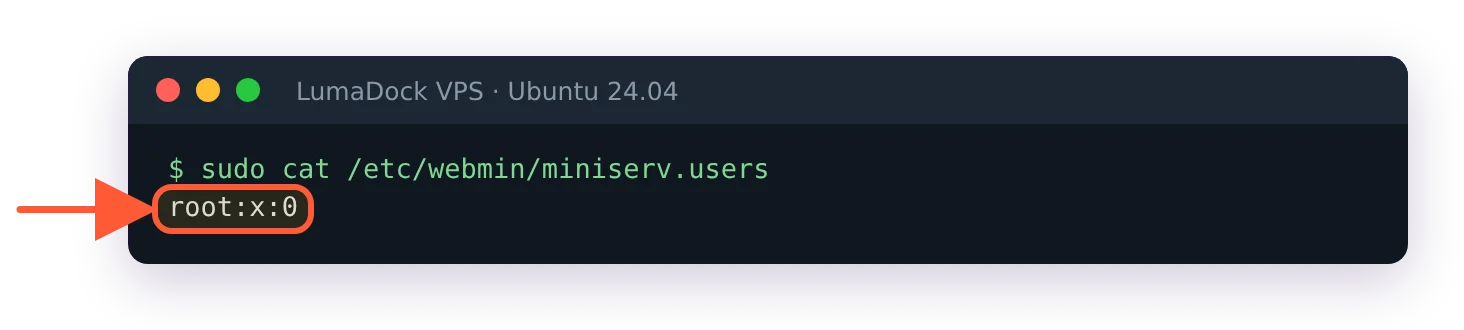
A package install creates one Webmin user, checked against the system account.
If you can log in over SSH as root with a password, that same password gets you into the form at https://YOUR_SERVER_IP:10000. Changing the Webmin port moves that address, so on a server somebody else built, find out where it's listening before you decide the login is broken. If root has no usable password on the machine, root can't log in to Webmin either. Nothing gets invented for you.
The complete Webmin guide covers the rest of what sits under Webmin Configuration. For credentials, Webmin is exactly as strong as your Unix passwords and no stronger, which is why Webmin security hardening belongs in the install and not in a folder of things for later. There's an upside to the design as well. No extra credential sits in a database waiting to be rotated, and no panel account outlives the system account it was named after.
Webmin default credentials on Ubuntu, Debian and AlmaLinux
Ubuntu
Check root first:
sudo passwd -S rootP in the second field means root has a usable password and logs in to Webmin with it. LumaDock's Ubuntu 24.04 image ships like this, so on our servers root is the account the form accepts. L or NP is the stock Ubuntu install, where root is locked and Webmin doesn't work around it.
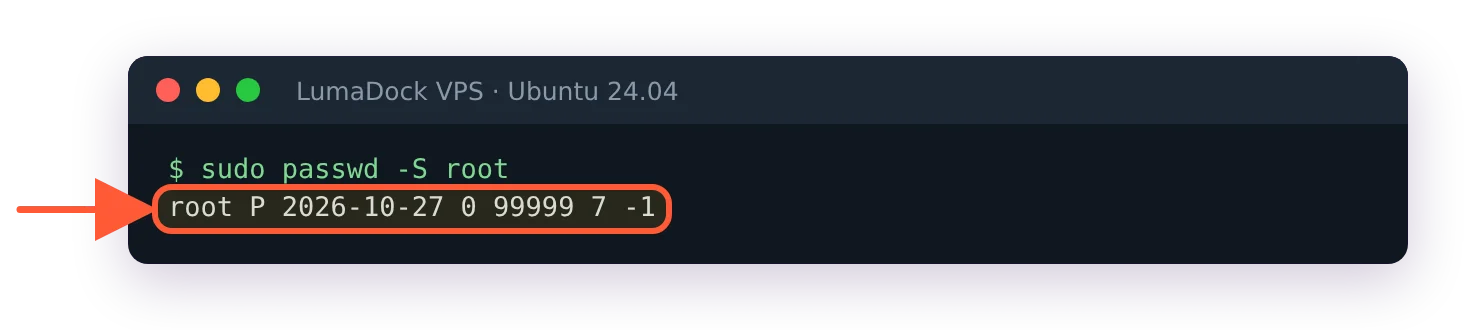
P in the second field: root has a password and can log in to Webmin with it.
A sudo user logs in either way. The account you used to install Webmin on Ubuntu 24.04 works with its normal system password, because the package sets Webmin to accept any member of the sudo group.
You can give a locked root a password with sudo passwd root. It works. Skip it on a public server anyway, since setting a root password to make a login tidier hands every brute-force script on the internet a username it already knows to try. Where root already has one, keeping port 10000 closed to everyone but you does most of the same job.
Debian
Debian's installer asks for a root password during setup, so on a normally installed Debian system root already has one and root is the account to use. Leave that field blank at install time and Debian gives the first user sudo rights. Provider images vary here too, so check:
sudo passwd -S rootA P in the second field means a usable password is set. L means the account is locked and NP means there's no password at all, and both of those put you back in the stock Ubuntu situation of logging in as your sudo user.
AlmaLinux, Rocky and other RHEL rebuilds
An ISO install of AlmaLinux or Rocky sets a root password during installation, so root works in Webmin from the first boot. Cloud images are the other story: plenty of them disable the root password and drop you in as a sudo-capable user with an SSH key. A Webmin login is a system login either way.
Unix authentication and Webmin-only passwords
Webmin supports both models, chosen per user. From the Webmin Users documentation: "If the new user has the same name as a Unix user, you can select Unix authentication instead to have Webmin use PAM or read the /etc/shadow file to validate the user." Choose that and Webmin holds no password for the account at all. Leave it off and Webmin stores its own hash in /etc/webmin/miniserv.users, with no connection to the system account of the same name even when the names match exactly.
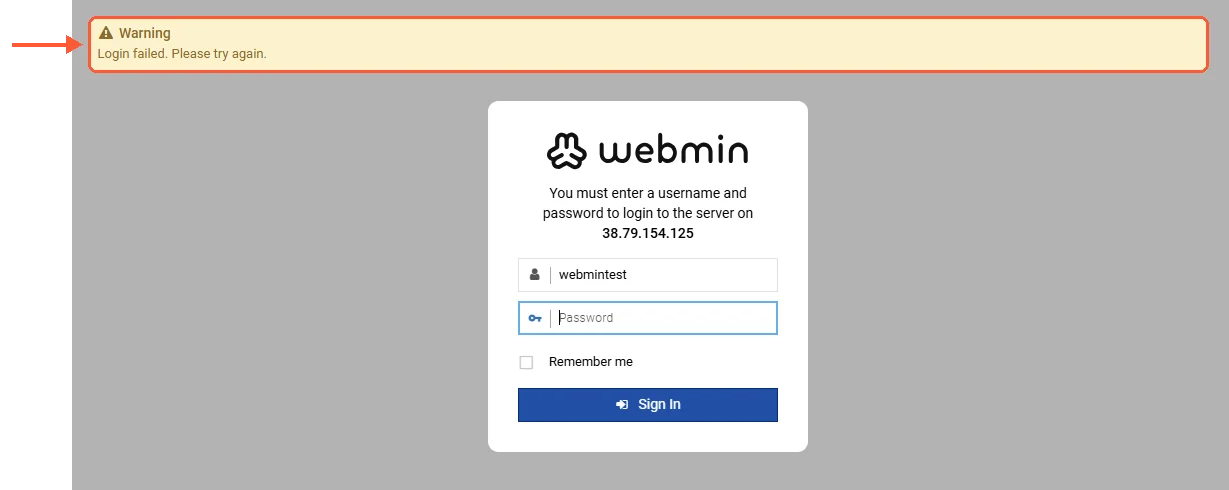
A wrong password, or the wrong account for this server.
So if an account authenticates through Unix and you change its shell password, its Webmin password changed at the same moment. Webmin-only accounts don't move. The old password keeps working long after the system password it resembles has gone, and a good share of the "my Webmin password stopped working" reports start with somebody not knowing which kind of account they had.


