





.svg)
.svg)
.svg)
.svg)

.svg)
.svg)
.svg)


Updated and tested 8 October 2026
You have the reinstall button in front of you and a dropdown with nine operating systems in it. Pick Ubuntu 24.04 LTS if you don't have a reason to pick something else, and by "reason" I mean one of about six, each of which has a section below. That's the whole recommendation; the rest of this page is the reasoning and the dates, because a server distro is mostly a promise about how long security updates keep arriving and what your software vendor tested against.
I run Ubuntu LTS on the machines I don't want to think about, Debian on the ones where I'd rather no vendor had opinions about my system, and AlmaLinux where a control panel or a piece of enterprise software insists. Alpine goes on tiny single-purpose boxes. Everything else on the list is for people who already know they want it.
Support windows compared
The dates first, since they settle half the argument. All of these are from the projects' own lifecycle pages as of September 2026, and the few commands on this page assume Ubuntu 24.04 LTS unless the section says otherwise.
| Distribution | Released | Security updates until | Kernel at release |
|---|---|---|---|
| Ubuntu 24.04 LTS | April 2024 | May 2029 (May 2034 with Ubuntu Pro) | 6.8, HWE kernel newer (7.0 as of October 2026) |
| Ubuntu 26.04 LTS | April 2026 | May 2031 (May 2036 with Ubuntu Pro) | 7.0 |
| Debian 13 "trixie" | 9 August 2025 | August 2028, LTS to June 2030 | 6.12 |
| Rocky Linux 9 / AlmaLinux 9 | 2022 | 31 May 2032 | 5.14 |
| Rocky Linux 10 / AlmaLinux 10 | June / May 2025 | 31 May 2035 | 6.12 |
| Alpine 3.24 | 9 June 2026 | about two years per branch | linux-lts, an upstream LTS series |
Two things jump out. The RHEL rebuilds promise a decade, which nobody else does, and Alpine promises two years with a new branch every six months, which is a different kind of commitment: you upgrade often and each upgrade is small. Ubuntu's five years and Debian's three plus two sit in the middle, and five years is longer than most VPSes live anyway.
Ubuntu LTS on a VPS
Every tutorial on the internet was written against it, every vendor's install page has an Ubuntu tab, and a fresh 24.04 template boots with cloud-init, unattended security upgrades and AppArmor loaded with enforcing profiles for a handful of system tools (rsyslogd among them). When a provider's one-click template for some application exists, it's almost always built on Ubuntu, which is a strong practical argument on its own. The Ubuntu VPS hosting page on this site is one example of how standard the pairing has become.
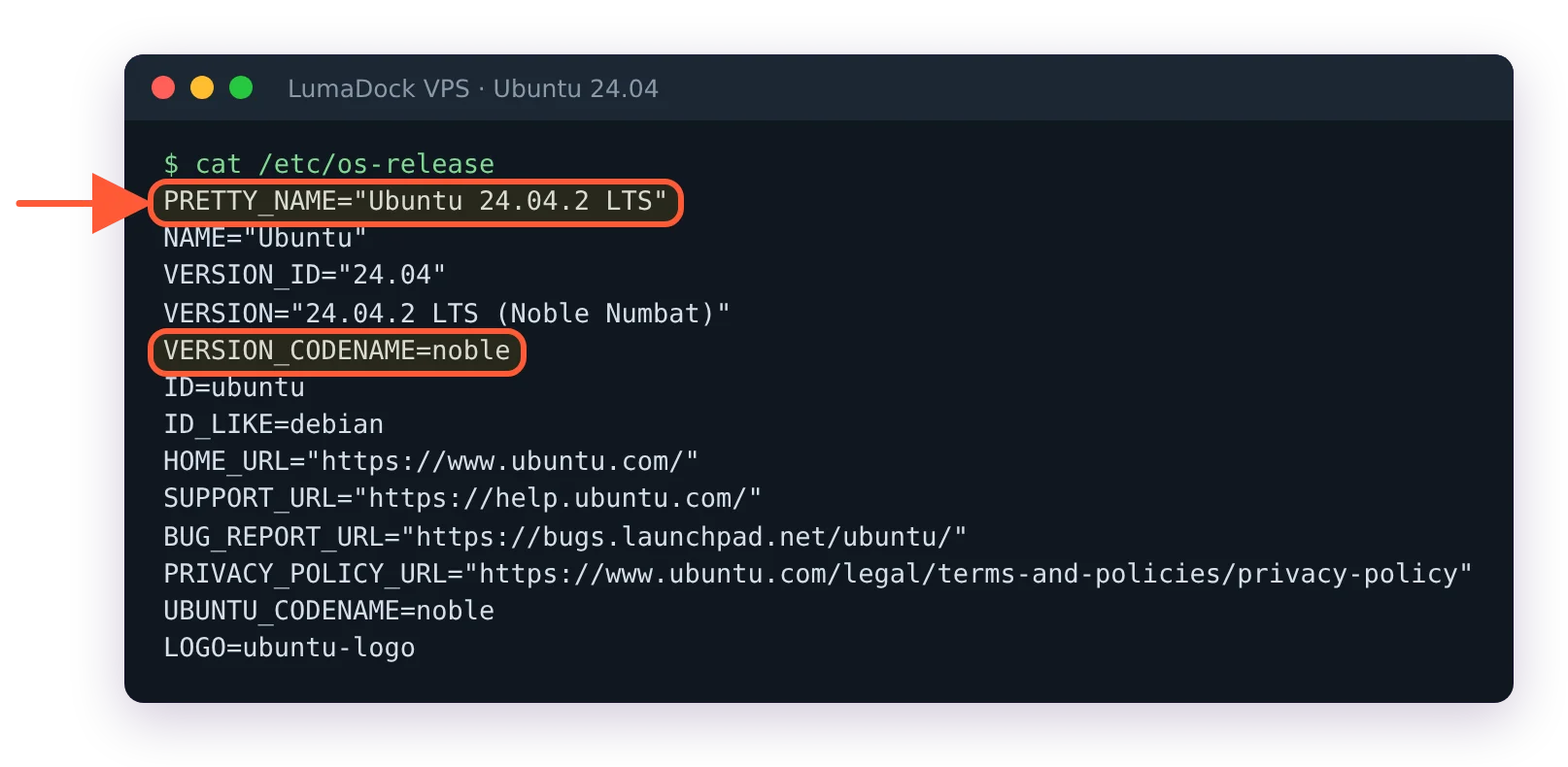
A fresh Ubuntu 24.04 VPS names its release and codename in /etc/os-release.
The kernel story is the one distinguishing feature against Debian. A server install of 24.04 stays on the GA kernel (6.8) for its whole life unless you opt in, and the Ubuntu kernel lifecycle page lists the HWE (hardware enablement) kernels, which follow each point release and had reached 7.0 by October 2026. On a cloud image you install the HWE kernel with sudo apt install linux-virtual-hwe-24.04, since cloud images run the linux-virtual kernel; linux-generic-hwe-24.04 is the package for a full server install, and on a VM it pulls in the whole generic kernel and its headers. apt-cache policy linux-virtual-hwe-24.04 shows the version you'd get. You rarely need a newer kernel on a VM, since the virtual hardware is the same virtio devices as three years ago, but WireGuard, newer filesystems and eBPF tooling occasionally want one and then it's one package away.
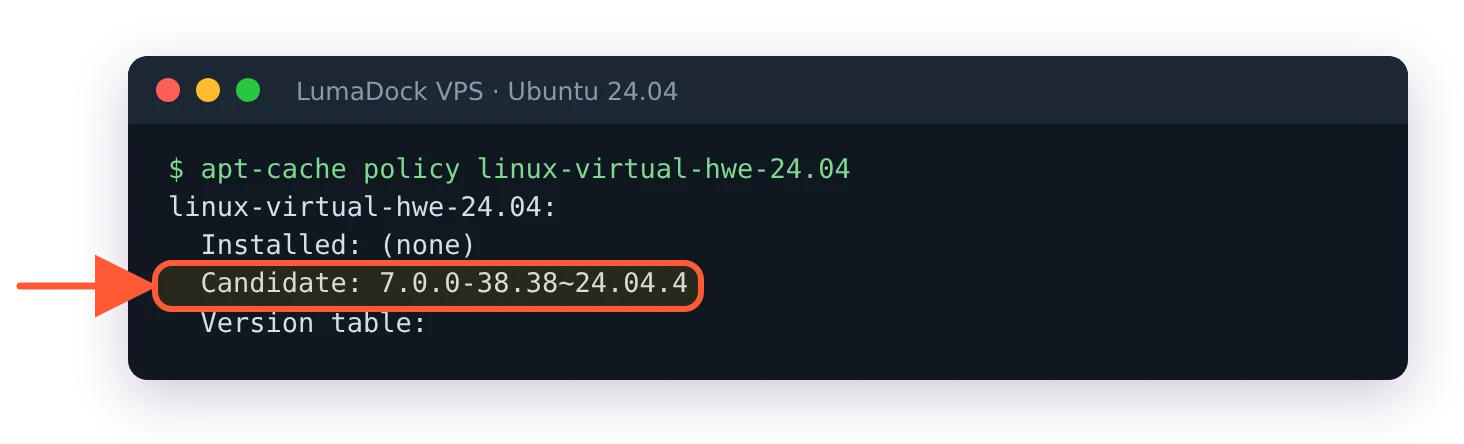
The HWE kernel on offer to Ubuntu 24.04 in October 2026; nothing changes until you install it.
What I hold against it: snapd is installed by default and some packages (LXD is the well-known one) only exist as snaps, the Ubuntu Pro nag in the apt output on 24.04 is irritating on a box that doesn't need Pro, and Canonical's choices arrive in your system on their own schedule, most recently the Rust rewrites: 26.04 ships rust-coreutils and sudo-rs as the defaults. None of that has cost me an outage. All of it is why the next section exists.
Ubuntu 26.04 LTS shipped in April 2026, and there's a separate guide to Ubuntu 26.04 LTS VPS setup for a fresh box. I'd still deploy 24.04 for anything with third-party repositories in its future until those repositories publish a 26.04 build; Docker's does already, many smaller ones don't.
Debian on a VPS
Debian 13 "trixie" was released on 9 August 2025 with the 6.12 LTS kernel and systemd 257, and the Debian releases page lists full support to August 2028 with the LTS team carrying security updates to June 2030. The packages are the same packages Ubuntu builds from, a little older, with no snaps, no Pro, no telemetry prompts and a base install that fits in under a gigabyte. Debian has shipped with AppArmor enabled since Debian 10, so the security model is the same one Ubuntu users know.
The reason to choose it is the absence of things. A Debian box in year three looks like the Debian box on day one plus security patches, and that predictability is the whole product. Against it: software freshness inside the stable branch. PHP, Postgres and Node are frozen at the versions from the 2025 freeze until 2027, so for those you add the upstream repository (Sury for PHP, PGDG for Postgres, NodeSource or a version manager for Node), same as on Ubuntu after year one. Anyone who knows Ubuntu already knows Debian; apt, systemd, ufw and the file layout are identical, and moving between the two costs an afternoon. Ubuntu vs Debian on a server is, in the end, the same packages with a different amount of vendor in the box.
Rocky Linux and AlmaLinux on a VPS
Both rebuild Red Hat Enterprise Linux and both track its ten-year cycle: version 9 to 31 May 2032, version 10 to 31 May 2035, per the Rocky Linux version page and AlmaLinux's release notes. You get dnf, SELinux in enforcing mode by default, firewalld in place of ufw and the exact package set that enterprise software vendors certify against. When a product's requirements page says "RHEL 9 or compatible", this is what it means.
The difference between the two matters less than the forum wars suggest. AlmaLinux rebuilds from CentOS Stream and allows itself small deviations from RHEL when they help users; Rocky rebuilds RHEL's sources as exactly as it can. In practice I pick AlmaLinux, for one dated reason: RHEL 10 raised the CPU baseline to x86-64-v3 (AVX2 and friends), and AlmaLinux 10 publishes a separate x86-64-v2 build for older processors while Rocky 10 does not. On a VPS this is not academic. A KVM host that presents a generic CPU model to guests, x86-64-v2-AES is a common one, will refuse to boot Rocky 10 or the standard AlmaLinux 10 image at all. Run grep -o 'avx2' /proc/cpuinfo | head -1 on an existing VM at the same provider before choosing a 10-series template; if it prints nothing, take the 9 series or the Alma v2 build.
There's a second dated reason if a control panel is involved. cPanel's Ubuntu system requirements name 24.04 LTS as the supported Ubuntu, AlmaLinux and CloudLinux are the other two, and cPanel's own announcement for version 134 in January 2026 said Rocky Linux support ends with that release. Plesk still lists both RHEL rebuilds alongside Debian and Ubuntu. The AlmaLinux VPS hosting page exists on this site for exactly the panel crowd, and it's the template I'd choose for a cPanel or CloudLinux box today.
Small digression on names. CentOS was the free RHEL rebuild for fifteen years, Red Hat turned it into the upstream "Stream" in December 2020, and both Rocky and Alma were founded within weeks as replacements. Providers still list "CentOS" in their dropdowns for people who search for it, and what you get is CentOS Stream, a rolling preview of the next RHEL minor with no fixed support date. Don't put production on it by accident.
Alpine Linux on a VPS
Alpine 3.24 came out on 9 June 2026, and the Alpine releases page describes the cycle: a new branch cut from edge twice a year, with the main repository supported for about two years. A base install is around 150 MB on disk and boots in a couple of seconds, which is why it's the base of half the container images in existence and why people want it on the host too.
Four things change on Alpine that a Debian user will trip on. Init is OpenRC, so services are rc-service nginx start and rc-update add nginx where you'd type systemctl, and systemd-only software (some of it assumes journald or systemd units) won't run. The C library is musl, so binaries built against glibc need the gcompat shim or won't start at all, DNS resolution behaves slightly differently (musl queries all resolvers in parallel and historically didn't do TCP fallback for large responses, fixed in musl 1.2.4 but the reputation lingers), and a few language runtimes ship musl builds that are measurably slower at memory allocation. Docker installs from the community repository with apk add docker and rc-update add docker default. And cloud-init exists as a package, though Alpine's own cloud images offer either cloud-init or their lighter Tiny Cloud bootstrap, so check which one your provider's template uses before assuming your user-data will be read.
Where Alpine is the right answer: a WireGuard endpoint, a DNS resolver, a reverse proxy, a small Docker host where every container brings its own userland anyway, or an appliance you build once and rebuild from a script. Where it isn't: anything that will accumulate hand-installed software over years, because the two-year branch life means you'll be doing major upgrades every 18 months or so, and a Python or PHP application that pulls compiled wheels or extensions built for glibc.
Fedora, Arch and openSUSE Tumbleweed
Rolling or fast-moving distributions on a server are for people who update weekly and read changelogs. Fedora is maintained for about 13 months per release, Arch has no releases at all, and both give you the newest kernel and toolchain at the cost of an update that can change behaviour on any given Tuesday. I've run Arch on a personal VPS for years without incident, and I would not put a client's site on it, because the incident-free years came from reading the news feed before every pacman -Syu. openSUSE Tumbleweed is the best-tested of the rolling options (openQA gates every snapshot) and Leap is the fixed-release alternative with a SUSE base. If you're running one of these on a server you already know why, and nothing here will change your mind.
FreeBSD and Windows as the non-Linux cases
FreeBSD isn't Linux, gets asked about anyway, and it's a fine server OS with a five-year support window per major branch, ZFS as a first-class root filesystem and jails as a container model that predates Docker by a decade. Any KVM VPS runs it from an ISO or a provider template. The costs are a smaller pool of tutorials, no Docker (jails or bhyve fill that role) and a package set that lags Linux for some server software.
Windows Server on a VPS is a separate decision made by the application: a .NET app on IIS, a trading platform, a Windows-only agent. It wants roughly twice the RAM and disk of a Linux box doing the same job, it's managed over RDP and the licence is yours to supply or to add through the provider as a separate item; nobody bundles it into a plan price. If the reason for Windows involves rendering, remote desktops or anything that needs a display adapter, the piece on a Windows VPS with a graphics card covers what a virtual framebuffer can't do and what a passed-through GPU changes.

