





.svg)
.svg)
.svg)
.svg)

.svg)
.svg)
.svg)


Updated and tested 29 October 2026
The command is:
docker restart portainerThat's it for the common case, on a Raspberry Pi, a VPS or anything else running Docker, because Portainer is just a container and containers restart like containers. You can stop reading if the UI is back at :9443. The rest of this page is the variants (compose installs, unknown container names, restart-at-boot) and the three situations where people search for this command in the first place, each with its own follow-up.
Restart variants by install type
The plain command assumes the container is named portainer, which the official install does. Name unknown or nonstandard? Find it, then restart by whatever it's called:
docker ps -a --format '{{.Names}}\t{{.Image}}' | grep -i portainer
docker restart YOUR_NAME
Compose installs restart from the directory holding the compose file (or with -f pointing at it):
docker compose restart portainerAnd the harder reset, for when a plain restart didn't clear whatever state you're fighting: recreate instead of restart. docker stop portainer && docker rm portainer, then re-run the original run command from the install guide; the data volume survives and you get a genuinely fresh process. On compose that's docker compose up -d --force-recreate portainer, one line doing the same surgery.
Restarting Portainer on a Raspberry Pi
Nothing about the commands changes on a Pi (the search phrase suggests otherwise, so let's be explicit: same Docker, same syntax, ARM images handle themselves). What is Pi-specific is the aftermath: SD-card storage makes Portainer's startup noticeably slower than on a VPS, so give it thirty seconds before declaring the restart failed, and docker logs -f portainer shows it working through startup if you're the impatient type. I am, it's fine.
Pi people also hit reboots more often (power blips, the SD card lottery), which makes the next section theirs especially.
Restart Portainer at boot automatically
Portainer should come back on its own after every reboot, and the restart policy in the run command is what promises that. Check yours:
docker inspect -f '{{.HostConfig.RestartPolicy.Name}}' portaineralways is the answer you want. Anything else (empty, no) means someone's install command dropped the flag, fixable in place without recreating anything:
docker update --restart=always portainerOne layer beneath that, Docker itself has to start at boot for the policy to matter: systemctl is-enabled docker should say enabled, and sudo systemctl enable docker fixes it where it doesn't.
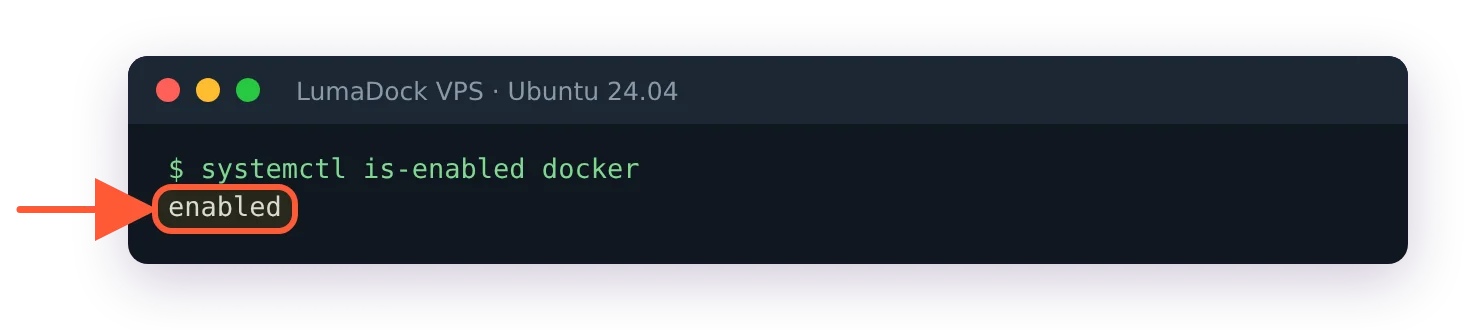
Docker's own service was already enabled at boot on my Ubuntu 24.04 server after the standard install.
Those two settings together are the difference between a self-healing setup and a Pi in a cupboard nobody can log into after a power cut.


