.svg)
.svg)
.svg)
.svg)

.svg)
.svg)
.svg)


Pi-hole is a DNS server you run yourself and point your devices at. When a device asks it for the address of an ad or tracking domain, it answers with nothing instead of the real address, so the ad never loads, in every app and every browser on that device, without an extension. The project calls this a DNS sinkhole. It runs on anything from a Raspberry Pi to a container, and version 6, released on 18 February 2025, moved the web interface and the whole configuration into the DNS daemon itself.
Everything below shares one setup: a Debian 12 VPS, Pi-hole listening only on a WireGuard interface, port 53 closed to the internet. A Pi at home does the same job with less of this page applying to it.
What Pi-hole does with a DNS query
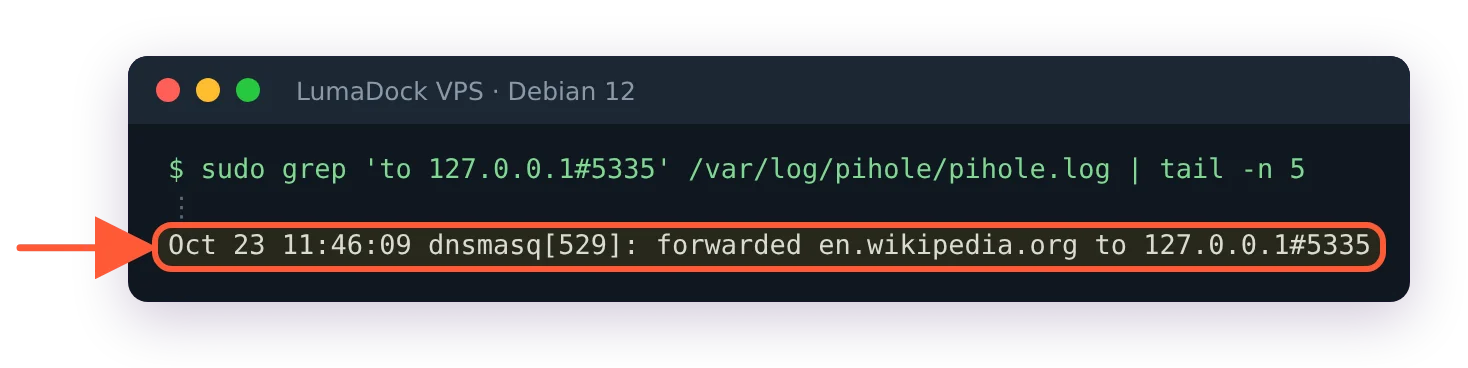
A query arrives from a client. Pi-hole checks its cache first and answers from it if the name is known. If not, it checks the name against gravity, which is the merged, deduplicated set of domains from every blocklist you subscribe to, plus your own deny and allow entries. A match gets a block reply. Anything else is forwarded to an upstream resolver, which is a public DNS provider you chose at install or an Unbound instance on the same machine, and the answer is cached on the way back so the next client asking for the same name gets it without a round trip.
The block reply is what makes Pi-hole different from a browser extension. In the default mode, called NULL, a blocked A query returns 0.0.0.0 and a blocked AAAA query returns ::, the unspecified address, and the client has nowhere to connect to. No block page is needed, and the browser doesn't sit waiting on an HTTPS connection to a server that will never answer. Four other modes exist (IP, IP with no AAAA data, NODATA and NXDOMAIN, which the config spells NX) and the documentation explains when each one helps, but NULL is the default and the recommended choice.
Pi-hole only sees the queries that reach it. A device with a hard-coded resolver or an app that does its own DNS over HTTPS never asks Pi-hole and is never blocked. Most "Pi-hole isn't blocking X" questions live on that boundary.
What changed in Pi-hole v6
The v6 announcement lists the changes; the ones that matter day to day are these. The web interface and a REST API now live inside the pihole-FTL binary, so lighttpd and PHP are gone from the install. All configuration moved into one file, /etc/pihole/pihole.toml, which replaced setupVars.conf, pihole-FTL.conf and the /etc/dnsmasq.d snippets v5 users edited by hand. HTTPS is built in, with a self-signed certificate created at install. Subscribed allowlists (the project calls them Antigravity) work like blocklists in reverse. The settings page has a Basic and an Expert mode and the Docker image moved to Alpine. One more change the announcement doesn't list but the configuration reference does: FTL is an NTP server by default now (ntp.ipv4.active and ntp.ipv6.active both default to true), on port 123.
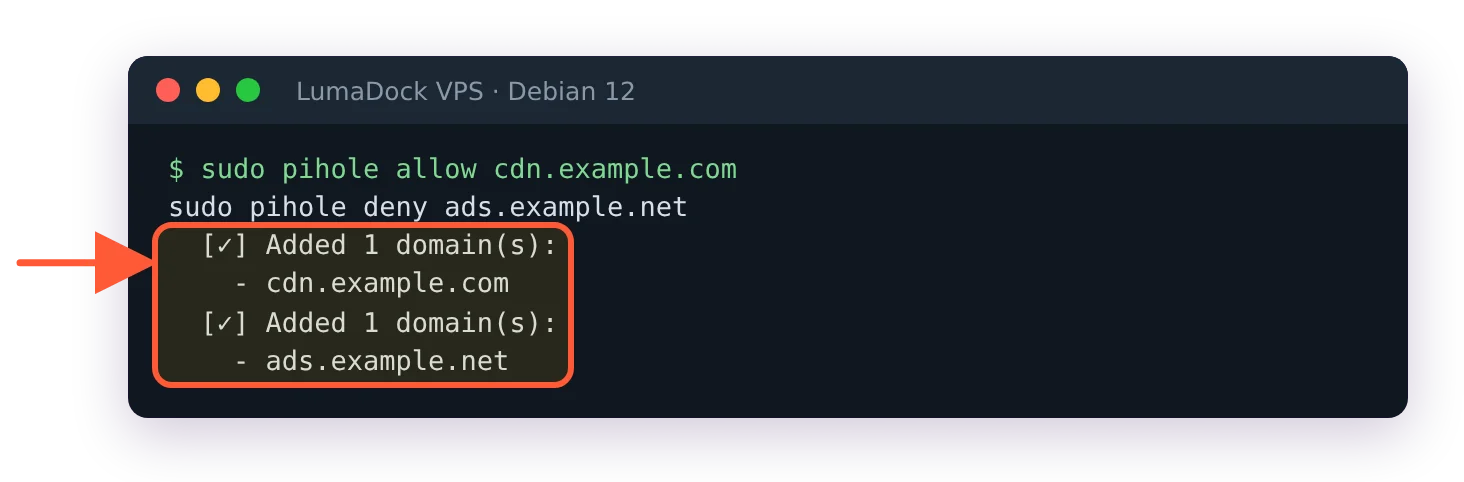
A few v5 habits break. pihole -a -p became pihole setpassword. pihole -w and pihole -b became pihole allow and pihole deny. pihole restartdns is gone and the service is restarted with sudo service pihole-FTL restart, while pihole reloaddns reloads lists and flushes the cache without a restart. Files in /etc/dnsmasq.d are ignored until you set misc.etc_dnsmasq_d to true. Every one of those changes, the migration backup directory and the order to do things in are in upgrade Pi-hole from v5 to v6 on a server. The short version: pihole -up performs a one-way migration, and a Teleporter export comes before it.
The config file deserves its own mention because it behaves unlike a config file people are used to. FTL owns pihole.toml: it writes the file, annotates every non-default value with a ### CHANGED comment, watches it for edits, applies a valid hand edit on its own and throws an invalid one away, rewriting the file with the last good configuration. The supported way to change a value is sudo pihole-FTL --config key.name value, which validates before writing. How that works, which keys restart FTL and why a Docker environment variable makes a key read-only are in the pihole.toml explainer. A nano edit still works, as long as the result is valid.
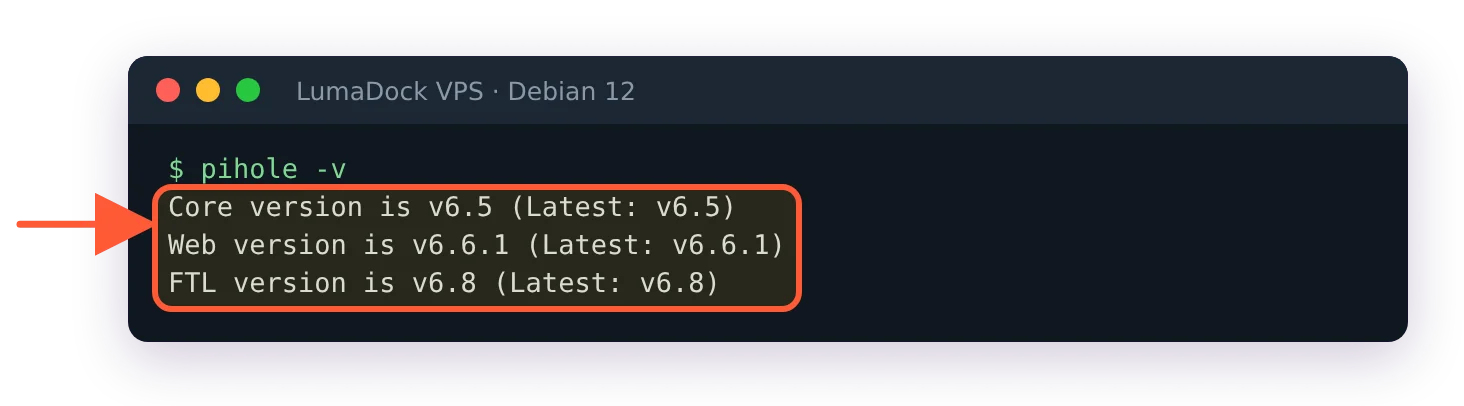
Versions, for anyone reading this later: FTL is at v6.8 at the time of writing, Core at v6.5 and Web at v6.6.1. The FTL v6.7.1 release of 19 September 2026 is a security release, and since then misc.dnsmasq_lines and webserver.advancedOpts can only be set in pihole.toml, through an environment variable or with pihole-FTL --config; the API and the web interface refuse to change them.
Where to run Pi-hole
The prerequisites page lists 512 MB of RAM, 2 GB of free disk and a static address. The supported systems are Debian, Ubuntu, Fedora, CentOS Stream, Alpine, Armbian and Raspberry Pi OS. That rules nothing out. The real question is who the Pi-hole is for.
| Where it runs | Devices it serves | What's exposed | Weak point |
|---|---|---|---|
| Raspberry Pi at home | Everything on the LAN, via the router's DNS setting | Nothing outside the LAN, as long as the router never forwards port 53 | Phones lose blocking the moment they leave the Wi-Fi |
| VPS over WireGuard | Any device holding a peer config, on any network | One UDP port for WireGuard; DNS and the admin page answer on the tunnel only | One wrong firewall rule turns it into an open resolver |
| Docker on a server you already run | Whatever that host's network reaches | The ports the compose file publishes | The official compose example uses listening mode ALL on a bridge network, leaving the host firewall as the only guard |
The home Pi is the classic, and for devices that stay in the house it's the right answer. The VPS is for a phone and a laptop that spend their day on other people's networks. I think a VPS behind WireGuard is the correct home for that Pi-hole, because a home Pi stops blocking the moment the phone leaves Wi-Fi, and fixing that from home means running a VPN into the house anyway.
The project's position on public resolvers is blunt: a Pi-hole that answers port 53 on a public address is an open resolver, usable for DNS amplification attacks against other people, and the Pi-hole team declines to support that setup. On a VPS the tunnel is the design, and every article in this series assumes it.
Where the VPS sits matters more than for a web server, because DNS latency is paid per query and never amortised. Pick a location near the devices that will use it, then build the server half of the VPN with the WireGuard server install on Debian 12; the server side is a package, two keys and one file. The client half, and the three shapes a client config can take depending on how much traffic you want in the tunnel, is in the DNS-only split tunnel article. Neither side needs IPv6 inside the tunnel.