.svg)
.svg)
.svg)
.svg)

.svg)
.svg)
.svg)

I'll open with the confession that shapes this whole guide: I spent a year refusing to install Portainer because real admins use the terminal, and then I spent the years after that managing every server through it while still telling people I mostly use the terminal. Both things are true, which turns out to be exactly how Portainer earns its place. This is the complete guide, from "what is Portainer" to the map of everything that matters about running it, with a dedicated deep-dive linked for each station; read it top to bottom before a first install, or jump to the section that's currently ruining your evening.
What is Portainer
Portainer is a web-based management UI for container environments: Docker on a single machine first and foremost, plus Swarm, Kubernetes, Podman and, as an experimental feature, Azure's ACI. It runs as a container itself, reads your Docker engine through its socket and turns the whole engine into pages you can see: containers with their logs and stats, images, volumes, networks and the stack deployments that group them into apps. The open-source project sits above 38,000 GitHub stars and ships in two editions: the free Community Edition this guide lives in, and Business Edition for teams that need role-based access and support contracts, which is free for up to 3 nodes. The split is laid out in Portainer CE vs Portainer Business Edition. In September 2026 Portainer announced a Kubernetes-first 3.0 and said Community Edition stays on 2.x, with 2.45 LTS as the last 2.x line. Version 3.0.0 shipped on 29 October 2026 for Business Edition only, so everything in this guide applies to the 2.45 line (2.45.3 when I tested it on 31 October 2026).
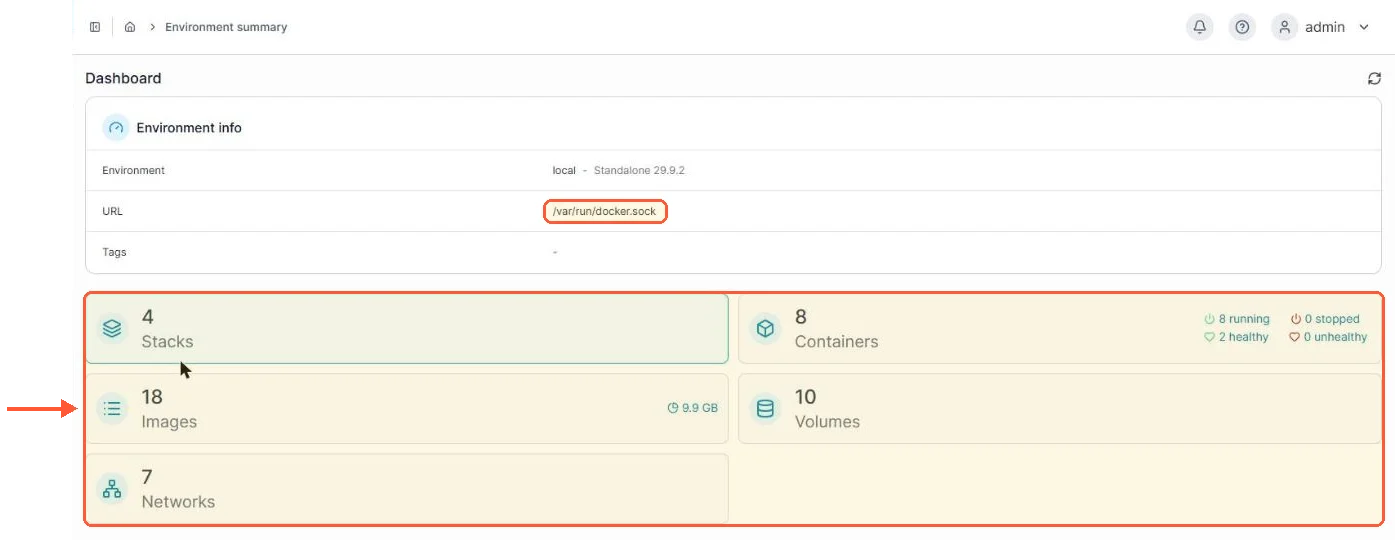
The local environment on my test server, read through the Docker socket and laid out as pages.
What Portainer is not: a replacement for knowing what containers are. It removes the syntax, not the concepts, and people hoping the UI will spare them from understanding volumes discover it politely won't. My honest criticisms after years of daily use run to two: CE's interface enjoys reminding you that Business Edition exists, and the release cadence has had bumpy stretches (there's a whole story later about an error that shipped in a run of releases). Neither has been close to a reason to leave.
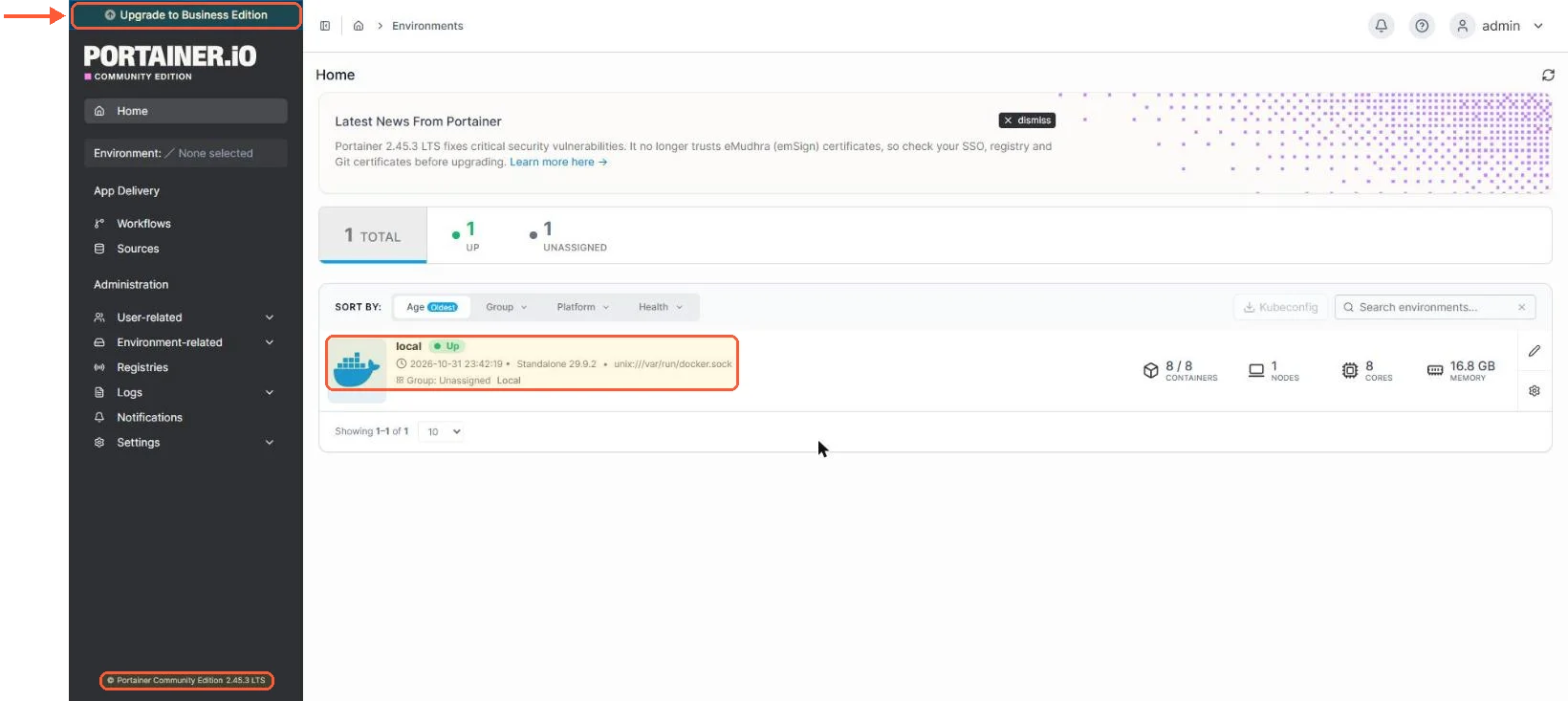
Even on the home screen, CE keeps an Upgrade to Business Edition banner in the corner.
Do you need it if you know Docker
The question CLI people ask, so the answer from a recovering CLI person: need, no; want, probably. The terminal wins for one-off surgical work, and I still drop to it constantly. The UI wins everywhere visibility matters: eight containers' logs eyeballed in a minute, a stack's whole state on one screen, the volume you forgot existed sitting right there. It also wins the moment anyone less terminal-fluent than you needs to restart something while you're at dinner. The clincher for me is that choosing was never required; the panel and the shell manage the same engine, so you use whichever fits the moment. If the two names still blur together, Portainer vs Docker and what each one does draws the line between the engine and the panel.
Portainer setup, install and networking on day one
Install day is genuinely five minutes: a data volume, one docker run command (or the compose equivalent, my preference) with the socket mounted and the :lts image tag, then the first visit to port 9443, where you paste the setup token that new installs since 2.43 print in docker logs portainer (the setup_token= line) and create the admin account. The one ambush is a timer: if nobody creates the admin account within five minutes of the container's first start, Portainer times out for security and refuses setup until you restart it, so a fresh install left unattended greets you with a security timeout instead of a welcome screen. On my test server the container kept running after the timeout; only the setup was blocked. Every command, flag translation and the compose file live in the Portainer install guide, and the timeout's cure (a one-line restart) is part of the terminal restart guide, along with the boot-persistence settings that keep the panel self-healing on a box that reboots.
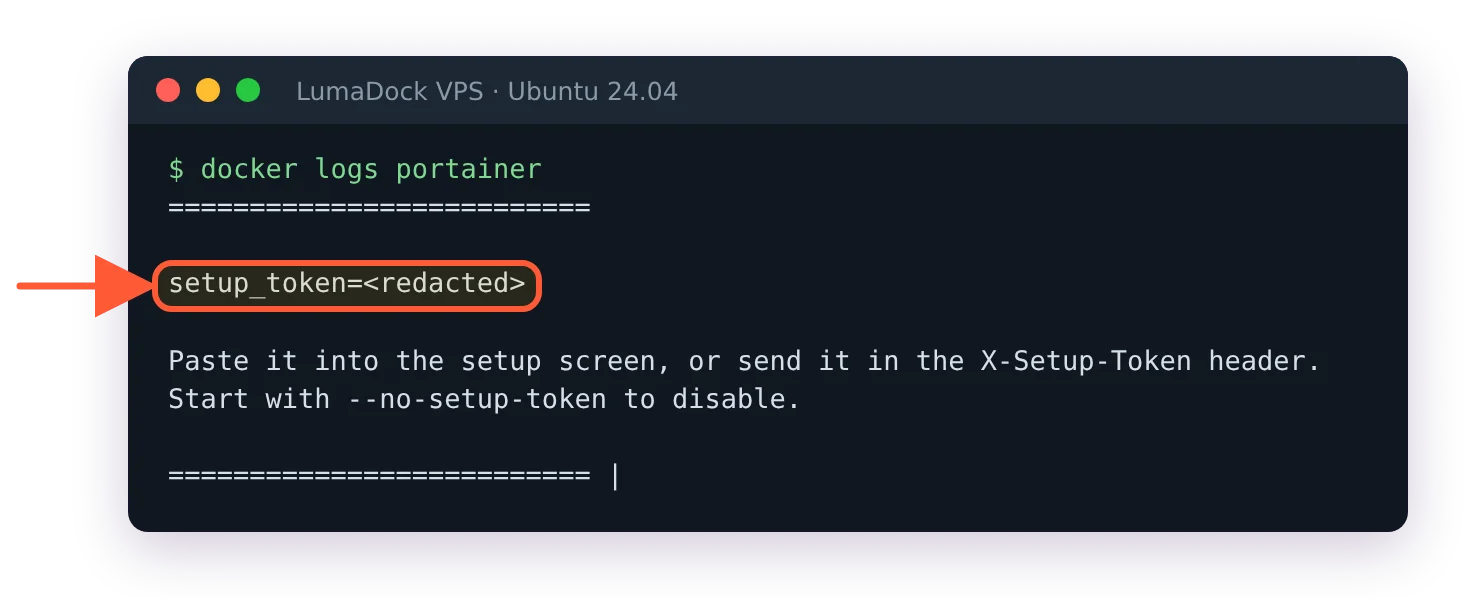
A fresh install prints its one-time setup token in the container log; I hid the value here.

A throwaway install I left without an admin: five minutes in, Portainer logged that it had timed out and needed a restart.
Networking deserves a deliberate decision on day one rather than the default drift. The UI answers on 9443 over HTTPS, the old 9000 HTTP port is legacy and the sane public posture for a server is neither of them exposed, with an SSH tunnel or a reverse proxy carrying the traffic instead; the reasoning and the firewall rules per scenario are in the Portainer ports guide. One trap to know first: ufw rules don't apply to ports Docker publishes, so a ufw deny 9443/tcp left 9443 answering from another machine when I tested it, and tunnel-only access means publishing the port on 127.0.0.1 instead.
![docker port portainer lists 8000/tcp and 9443/tcp published on 0.0.0.0 and [::], no 9000](/templates/lagom2/assets/img/page-manager/lumadock-portainer-complete-guide-docker-port-9443-8000.webp)
The official run command publishes 8000 and 9443 on every address; 9000 isn't published at all.
A control panel that can start privileged containers is the most valuable login on the machine, worth treating that way from the first hour.