





.svg)
.svg)
.svg)
.svg)

.svg)
.svg)
.svg)

Updated and tested 30 October 2026
People type "portainer vs docker" because the two names appear together in every container tutorial, and it reads like a choice between two products. It isn't one. Docker is the engine that builds and runs containers, and Portainer is a web interface for that engine, itself delivered as a Docker container. You can run Docker without Portainer, and most servers do. You can't run Portainer without Docker (or Podman, or Kubernetes, which are the other engines it supports). The rest of this article is what each layer is responsible for, so the tutorials stop reading like a versus.
What Docker does and what Portainer adds
Docker Engine is three pieces: the dockerd daemon that runs containers, the REST API the daemon exposes on a Unix socket at /var/run/docker.sock, and the docker command-line client that talks to that API. Everything that happens to a container on a Linux server goes through that API, no matter which tool asked for it.
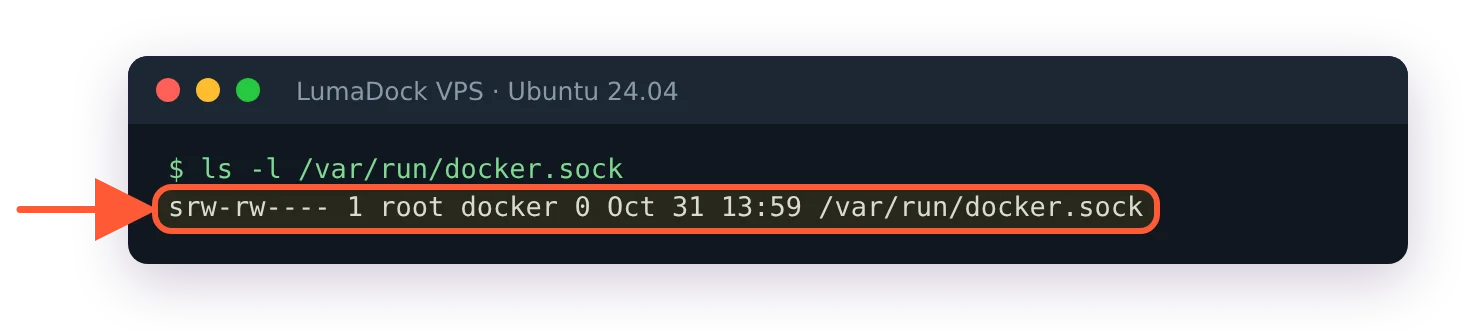
The daemon listens on a Unix socket owned by root and the docker group; the CLI and Portainer both connect here.
Portainer is one more client of the same API, with a browser in front of it. The install mounts the socket into the Portainer container, which is why the run command carries -v /var/run/docker.sock:/var/run/docker.sock, and from then on every screen in the UI maps to a call the CLI could also make. The container list is docker ps -a with buttons. The logs view is docker logs. Deploying a stack from a pasted compose file is docker compose up -d, run by Portainer on your behalf. Pulling an image, creating a volume, connecting a network: all things the daemon does, all reachable from either side. Delete the Portainer container and every other container keeps running, because Portainer never owned them. The daemon did.
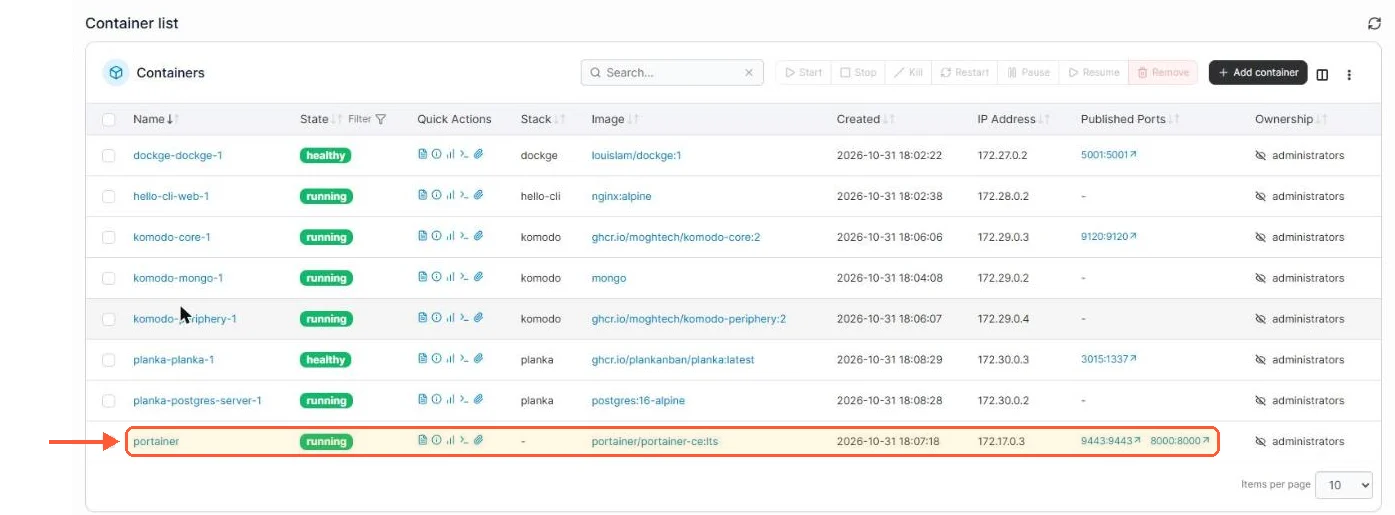
The Portainer container list is docker ps -a with buttons, and Portainer itself is one of the rows.

Portainer reaches Docker through the socket mounted into its container, next to its own data volume.
What Portainer adds is everything the API doesn't have an opinion about. A login page and users, so a second person can see the server without an SSH key. Teams with access limited to one environment. App templates for one-click deploys of common services. Stacks pulled from a git repository, though CE 2.45 keeps redeploy webhooks for running stacks behind the Business licence. A single interface over several Docker hosts through its agent, plus Swarm and Kubernetes clusters in the same view. None of that is in the docker command and none of it is meant to be.
What stays on the command line is the daemon itself. Installing Docker, editing /etc/docker/daemon.json, restarting the service, changing the storage driver or the default log rotation and logging the host into a private registry with docker login are all outside Portainer's reach, because a client of the API can't reconfigure the process that serves the API.
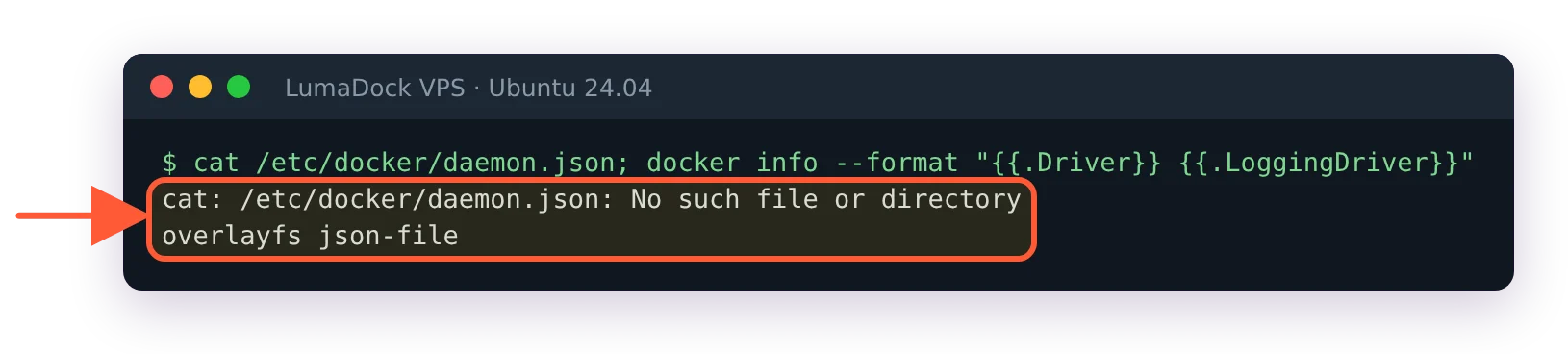
A fresh Docker install has no daemon.json; storage and logging defaults are set on the host, not in Portainer.
The restart Portainer from the terminal guide is a good illustration: when the UI itself is broken, the fix is docker commands run over SSH. Keep an SSH key that works even when 9443 doesn't.


